A website for a tasting counter that matches the care of a limited-seat room

A chef-driven tasting counter's website has to manage something most restaurants don't: a small number of seats, a seasonal menu that changes often, and guests who want to understand the chef and the food before they book a significant evening out. It needs a reservation flow that reflects real, limited availability, and a menu page that can change as often as the kitchen does.

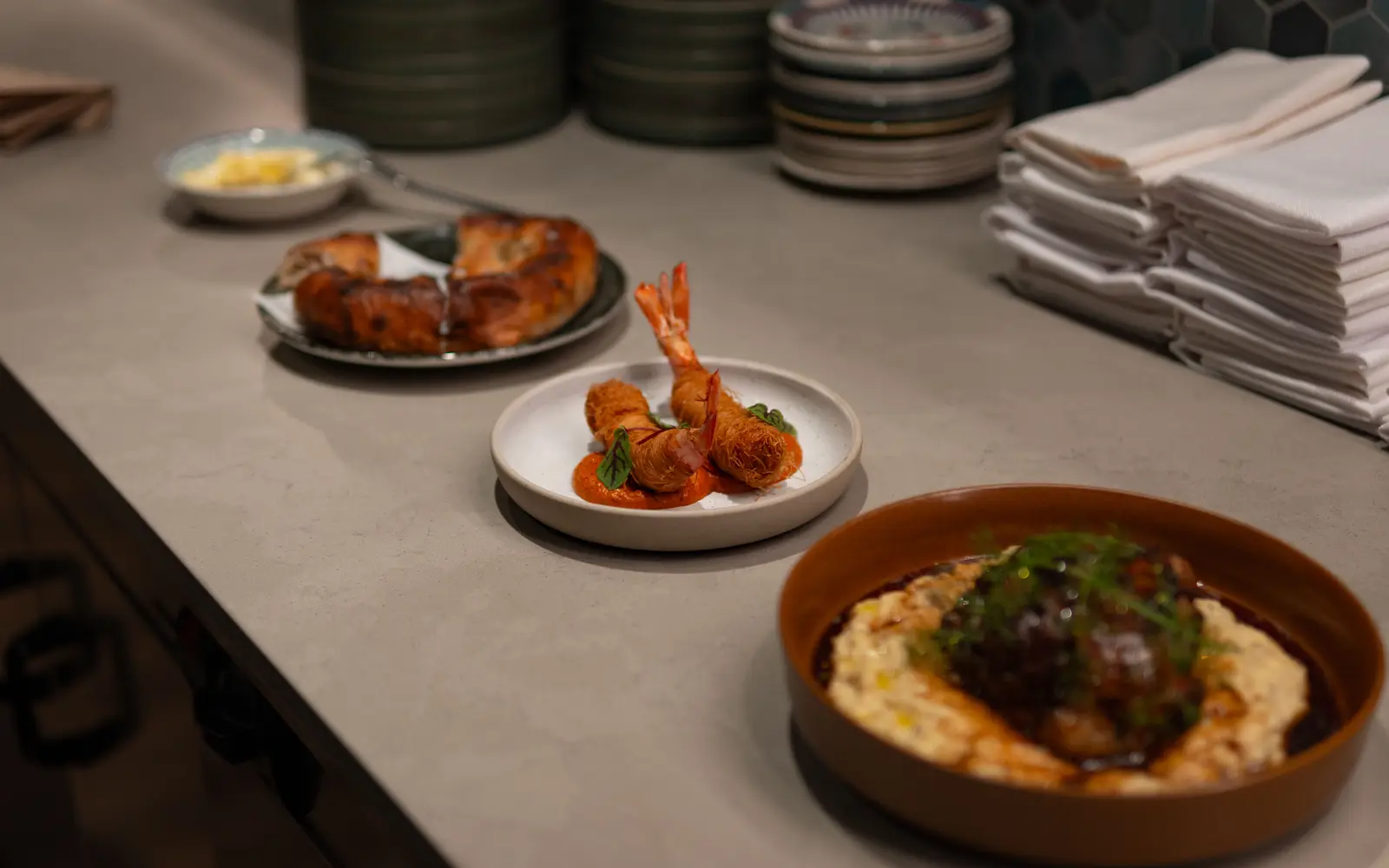
Gourmet plated dishes arranged along a kitchen counter
Photo: Talha Resitoglu on Pexels

What usually goes wrong for chef-driven tasting counters

  • Limited seating means overbooking or confusing availability is a real risk, and a generic reservation widget doesn't reflect how few seats there actually are.
  • The tasting menu changes seasonally or even weekly, and a static page makes the site look out of date within days of a change.
  • There's nowhere to tell the chef's story or explain the sourcing and approach behind the menu, so the counter reads as just another expensive dinner.
  • Wine or beverage pairings, often central to the experience, aren't given any dedicated space to explain what's included and what costs extra.

What changes once the site is live

Six months in, the seating calendar shows what is left for each seating, the menu story brings in people who searched the chef or the season, and the counter books further out because the site explains the experience before anyone commits to the price.

The pages your site will carry

Every page is written for your room and kept current through your monthly revisions.

  1. Home
  2. Tasting menu
  3. The chef and the counter
  4. Reservations and seating
  5. Wine pairings
  6. Gallery
  7. Press
  8. Contact

The tool built for tasting counters

Tasting menu seating calendar

A calendar view that reflects your actual limited seating by date, rather than a generic booking widget built for a hundred-seat dining room. It makes real scarcity visible instead of implying availability that isn't there, and it is set up around however your seatings actually run.

Features that matter most for tasting counters

Every feature below, the everyday problem it solves, what you have to do, and which plan carries it. The Table is $117/ month, The Full House $247/ month + usage, Standing Room Only $597/ month.

Bookings and guests

  • Reservation and waitlist integration

    Your booking and waitlist tools live on the page, not buried behind a link.

    Solves
    If booking a table takes a phone call during service, most people pick the place with a button.
    You do
    Tell us which reservation or waitlist tool you use.
    • Included on The Table
    • Included on The Full House
    • Included on Standing Room Only

Content and search

  • Researched articles every week

    2 to 3 researched articles a week, 2,500 to 3,200 words each, on every plan.

    Solves
    A restaurant site with no new pages stops showing up for the searches people make before they pick a place.
    You do
    Nothing. Suggest topics or veto any you do not want.
    • Included on The Table: 2 a week
    • Included on The Full House: 2 a week
    • Included on Standing Room Only: 3 a week
  • The Content Engine

    A third researched article every week, plus 3 social posts and 2 reels a week.

    Solves
    Nobody on the team has time to post, so the feed and the site both go quiet between busy nights.
    You do
    Send photos from service when you have them and approve anything you want to see first.
    • Not on The Table
    • Not on The Full House
    • Included on Standing Room Only: 3 articles, 3 posts and 2 reels a week

Website

  • A gallery built for a room people post about

    A photo-forward layout that makes the space and the plates the main event.

    Solves
    Dark phone photos or stock images undersell a room people would happily post about.
    You do
    Send photos when you have them; we tell you which shots help most.
    • Included on The Table
    • Included on The Full House
    • Included on Standing Room Only

What happens after you order

No mystery between paying and opening the doors. Here is every step, who does it, and how long it takes.

  1. Day 0

    1. Pick a plan and pay the first month

    The monthly fee starts the plan. The $647 build fee is not charged now.

    Your part: Choose a plan.

  2. Same day

    2. Fill in the onboarding form

    Menu, hours, locations, photos, brand and where inquiries should land. About 15 minutes; send what you have and the rest later.

    Your part: About 15 minutes.

  3. Within days

    3. One onboarding call

    We fill any gaps, agree the pages and lock the launch date. The build clock starts here.

    Your part: One call.

  4. 7 to 15 days

    4. We build and load everything

    Live in 7 days on The Table, 10 on The Full House while the AI Engine learns your details, 15 on Standing Room Only. Real menu, real photos, reservations wired in.

    Your part: Nothing, unless we ask.

  5. Launch

    5. You review, approve and we go live

    You see the finished site first. The $647 build fee is invoiced only after it is live and you are happy with it.

    Your part: Approve.

  6. Every month

    6. We keep it current

    5 revisions a month, each within 2 to 5 working days, weekly articles, your map listing kept in step, speed checked after every change.

    Your part: Send changes from your client portal.

What owners of tasting counters say

  • The after-hours side of bistro private dining was an afterthought on the old site. The form captures what a callback needs and says clearly that a person replies in working hours. The morning inbox is a work list now, not a puzzle.

    Tracy Barlow, Dining room managerSeasonal tasting-menu bistro, Ann Arbor, MIAfter-hours inquiry capture for bistro private dining
  • People following up on bistro private dining used to complete the entire inquiry form again. Now there is a short path for existing conversations and a full form for new ones. It respects the fact that a conversation already exists.

    Jane Stanton, Assistant managerBistro with chef's table, Overland Park, KSReturning-customer contact path for bistro private dining

Case studies for chef-driven tasting counters

Real projects, told from the starting point to what changed, in the words of the people who run the floor.

All case studies

Three ways to run it

  • The Table

    $117 / month

    The website, fully managed, live in 7 days.

  • The Full House

    $247 / month + usage

    Everything, plus the AI Engine, live in 10 days.

  • Standing Room Only

    $597 / month

    Everything, plus the Content Engine, live in 15 days.

Plus a $647 one-time build fee, invoiced only after launch and your approval. Allergen and dietary requests are handled exactly as you set them, with a clear note about what the kitchen can and cannot accommodate. Compare the plans.

Questions from chef-driven tasting counters

Can the reservation system reflect how few seats we actually have?

Yes, the seating calendar is built around your real seating structure, whether that's a single nightly seating or a few timed ones, so availability shown on the site matches what you can actually accommodate rather than a generic hundred-cover booking widget.

How often can the tasting menu be updated?

As often as it changes. A seasonal menu shift or a weekly update is one revision, whatever its size, and it's live within a few working days, so the site never shows a menu the kitchen has already moved past.

Can the site tell our story, not just list the menu?

Yes, a dedicated page can cover the chef's background, sourcing and approach in as much depth as you want, since a tasting counter is often sold on that story as much as on the food itself. This is the kind of page that gives someone a reason to book a significant night out with you specifically.

Do you handle wine pairing information?

Yes, pairings get their own space to explain what's included in the tasting price and what costs extra, so a guest deciding whether to add pairings has clear information before they book instead of finding out at the table.

Can the site show seats left for each seating?

If your booking platform exposes availability, we build it into a seating calendar on the page. We never show availability the platform does not provide.

How do you write about a menu that changes constantly?

Articles and menu updates follow the seasons. On Standing Room Only, the Content Engine adds more articles plus social posts and reels built from your photos.

Can we take deposits or prepayment?

We connect the booking platform you use for prepayment and publish your policy as you set it.

What does a tasting counter website cost?

From $117 a month; Standing Room Only adds the Content Engine for counters that want a steady stream of stories.

See it built for tasting counters

A live walk-through, on your screen, of the site you would get. Live in 7 days on The Table.