Local search and reservations
From a Local Search to a Seated Table: A Restaurant Website Playbook
How a neighborhood restaurant's website should carry someone from a phone search to a confirmed table, step by step, with no invented numbers.
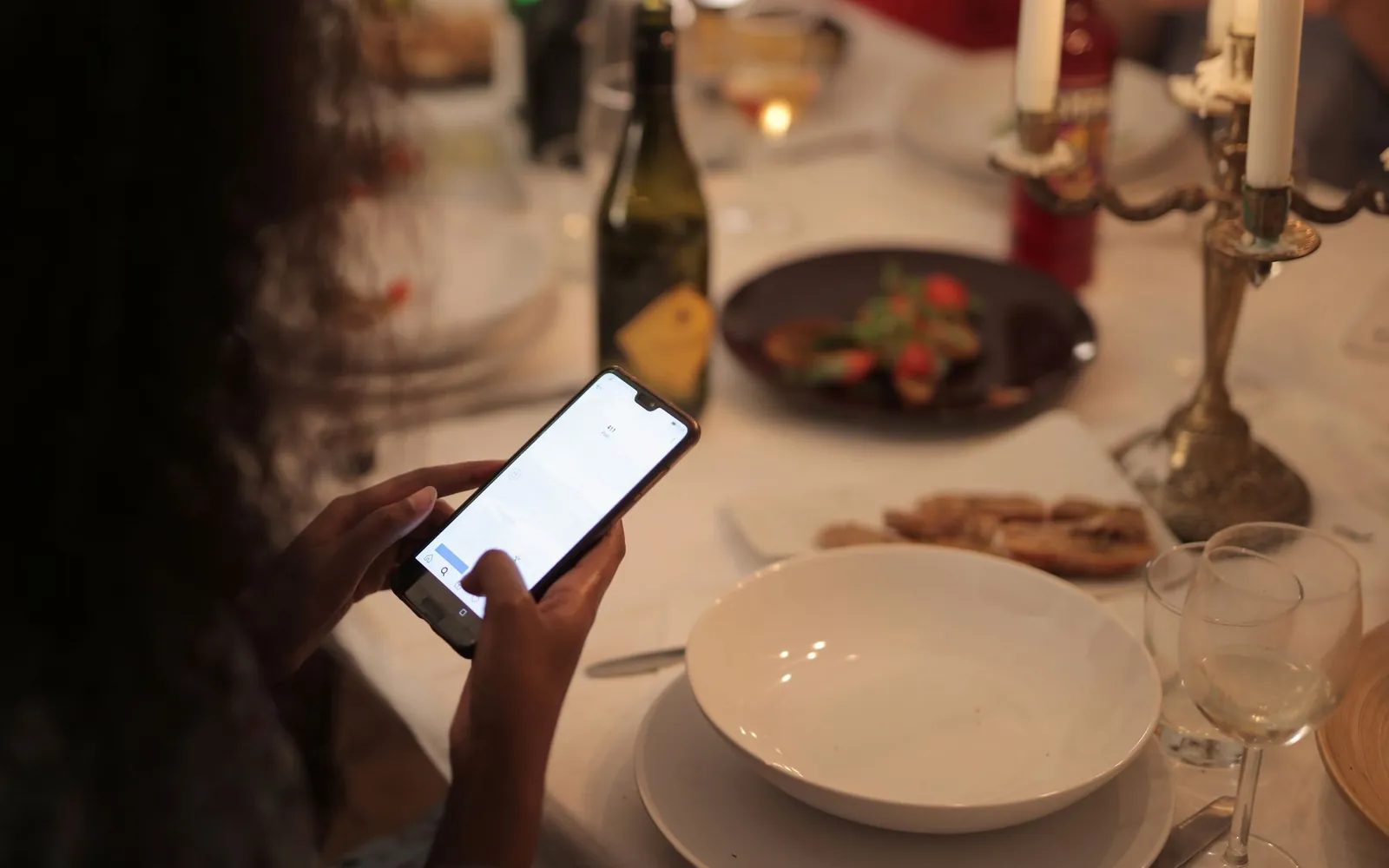
A neighborhood restaurant’s website earns its keep in the thirty seconds after someone searches for a place to eat tonight: it needs to answer “is it open, what does it serve, and how do I get a table” faster than the next result does. Everything in this playbook works toward that one path, from the phone in someone’s hand to a seated table in the room.
Why the website is now the host stand
Before anyone reaches the actual host stand, they pass through a digital one: a search results page, a map listing, and, if those go well, the restaurant’s own website. That digital host stand has to do the same job a good one does in person. It answers whether there is room, it sets expectations for the room and the food, and it makes the next step obvious. A restaurant that gets this right on its website is not doing marketing so much as running the front of house one step earlier than it used to.
The mistake most independent restaurant sites make is designing for someone already sold on the place: a returning regular who knows the menu, knows the hours, and just wants directions. First-time visitors coming from a search are a different, more skeptical audience, and they decide in seconds whether to keep reading or tap back to the results page. Google’s own guidance for site owners, in its SEO starter guide, frames a good page around what a first-time visitor actually needs to find quickly, and for a restaurant that need is almost always the same three things: is it open, what is on the menu, and how do I get a table.
That skeptical, first-time visitor is also the one a neighborhood restaurant needs most. A regular already has the phone number saved and the hours memorized; they will find a way in regardless of how the website performs. It is the person choosing between three or four unfamiliar options on a search results page who the website actually has to win, and that means every choice below should be judged by whether it helps a stranger decide quickly, not by whether it looks good to someone who already knows and loves the place.
Start with the phone in someone’s hand
Design the homepage for a phone first, then adapt it up to a desktop screen, not the other way around. A layout built for a wide monitor and shrunk down tends to bury the useful information under a hero image and a navigation menu, which is exactly backward for a visitor standing outside deciding where to eat.
The three things a mobile visitor needs in five seconds
A restaurant homepage, viewed on a phone with no scrolling, should answer:
- What kind of place this is. One sentence and one photograph that communicate the room and the food style faster than a paragraph could.
- Whether it is open right now, or when it opens next. This should be visible without tapping into a separate hours page.
- How to get a table. A reservation button, a waitlist link, or, for a walk-in-only room, a clear statement that says so plainly.
Speed matters here as much as layout. Core Web Vitals, the metrics Google uses to describe a page’s loading experience, measure how quickly a page becomes usable and how stable it feels while loading. A restaurant site loaded over a patchy connection outside a busy block needs to clear that bar quickly, which is one of the reasons a fast, custom-coded site earns back more than it costs: see the plan details on our pricing page for exactly what “fast” means on every tier.
Where reservations belong on the page
The reservation or waitlist link should sit in the same visual position on every page of the site: a persistent button in the header, not buried in a “Contact” page three taps deep. If the homepage has one job beyond making a strong first impression, it is getting that button in front of a decided visitor before they change their mind.
Make the reservation path shorter than a phone call
If the fastest way to book a table is calling during dinner service, most people will not wait on hold. They will pick the next restaurant in the results instead. The website’s reservation path needs to beat a phone call on speed, not just replace it.
Choosing a reservation or waitlist tool that fits the room
A tasting-menu counter with a fixed seating schedule needs a different booking flow than a rooftop bar that runs mostly on walk-ins with a text-based waitlist. The website’s job is not to pick the tool, but to surface whichever one the restaurant already uses cleanly, without forcing a second, competing booking form on the same page. Our features page covers how reservation and waitlist integration works alongside the rest of a managed build.
What “one tap from the homepage” actually looks like
In practice, this means the reservation button appears in the header on mobile and desktop, again in the hero section, and a third time near the bottom of the homepage for anyone who scrolled the whole way through deciding. It is a deliberately repeated element, not a design failure, because a visitor who decides halfway down the page should not have to scroll back up to act on that decision.
Keep the map listing and the website telling the same story
A visitor rarely reads only the website. They will glance at the map listing in the same search session, and any disagreement between the two, in hours, menu pricing, or photos, reads as a sign the business is not well run, even when the mismatch is just a stale update on one side.
The fields that most often drift apart
Google Business Profile Help documents how to edit core business information such as hours, address and phone number, and separately how to add or edit a menu directly on the profile. Both are worth bookmarking, because the fields that drift out of sync most often are exactly these two: hours around holidays and seasonal changes, and menu pricing after a supplier cost increase. A structured data block on the website itself, of the kind Google’s Local Business structured data documentation describes, helps search engines read the restaurant’s basic facts directly from the page rather than guessing from unstructured text, which is one more reason those facts need to be accurate and current.
A simple monthly check
Once a month, and immediately after any change, compare the website and the Google Business Profile side by side: hours, phone number, menu highlights and the most recent photos. This single habit prevents most of the “closed but the map says open” complaints that quietly cost a restaurant its next first-time visitor.
Build a gallery that makes people want to be seen there
A neighborhood restaurant sells atmosphere as much as food, and a phone camera used well can do that job without a professional photo shoot. The gallery’s purpose is not to document every dish. It is to make someone picture themselves at a table in that room on a Friday night.
What to photograph (and what to skip)
Favor wide shots of a full room over close crops of empty tables, photograph during actual service so the room reads as lived-in rather than staged, and update the gallery on a seasonal rhythm so a summer patio and a winter fireplace both get their turn. Skip dark, blurry phone photos taken in a rush; a handful of well-lit images beat a large gallery of mediocre ones. If the room itself is part of the draw for group dining or private parties, our page for group dining and private parties covers what that photography and page structure should carry specifically.
Organizing the gallery by time of day
A room can look like two different restaurants across a single day: a bright, quiet space for brunch, and a warmer, dimmer one once dinner service starts. Grouping the gallery loosely by daypart, rather than mixing every photo into one unsorted grid, helps a visitor picture the specific version of the room they are actually deciding about. Someone searching for a weekend brunch spot wants to see daylight and coffee cups, not a candlelit dinner shot, even if both are the same address.
Treat the menu page like a living document, not a PDF
A menu locked inside a PDF cannot be searched by Google, cannot be updated without a fresh export and upload, and often loads slowly on a phone. A menu built as an actual page on the website can be searched, linked to directly, and updated the moment a dish or a price changes. This matters most for seasonal or daily-changing menus, where a stale PDF from three months ago actively works against the restaurant rather than sitting neutrally in the background.
Dietary and allergen labeling is worth a specific note: a website can display whatever labels the kitchen provides (vegetarian, contains nuts, and so on), but the website itself is never the authority on food safety or allergen information. That responsibility stays with the restaurant and its kitchen staff, and any label on the site should reflect what the kitchen has confirmed, not a guess made while building the page. A brunch or all-day cafe juggling two menus across the same hours has an extra reason to keep this page current; the switch between breakfast and dinner offerings should be obvious to a visitor without them having to ask.
Multi-location rooms: keeping every address consistent
A restaurant group running two or three rooms under one brand has a version of the drift problem above, multiplied. Each location needs its own page with its own hours, its own address and its own phone number, rather than one page that lists every location’s details in a single paragraph and hopes a visitor finds the right one. Search engines generally reward a page that answers one specific query well over a page that tries to answer several at once, which is part of why the Local Business structured data guidance is written around a single business entity rather than a list. In practice that means a location-specific page for every room, cross-linked from a simple “our locations” index, each with its own accurate map pin and its own Google Business Profile.
Local search is a neighborhood game, not a national one
A national chain optimizes for brand-name searches. An independent restaurant competes on neighborhood and cuisine terms: “wine bar in [neighborhood],” or “brunch near [landmark].” Every page on the site, and every category chosen on the Google Business Profile, should reflect that specific geography and style rather than generic language that could describe any restaurant anywhere.
Naming the neighborhood without overdoing it
There is a difference between naming a neighborhood naturally, in a sentence that reads fine to a person, and stuffing it into every heading on the page. A homepage that says “a wine bar on the east side of downtown” once, clearly, does more work than a page that repeats the same neighborhood phrase five times in a way a human reader would never actually write. Search engines have gotten better at rewarding pages that read naturally and penalizing ones that do not, so the simplest test is to read the page out loud and notice whether it still sounds like something a person would say to a friend.
What “restaurant SEO” means for a single room
In practice it means naming the neighborhood explicitly in page copy rather than relying on the address alone, keeping category choices on the map listing specific to the actual cuisine and format, and building out pages for anything genuinely distinct about the business, whether that is a rooftop patio, a chef’s counter, or a private dining room, rather than folding everything into one general page. A rooftop or patio space in particular benefits from its own page describing seasonal availability; see our page for rooftop and patio spots for how that is structured.
Moving off a delivery-app-only presence
Some independent restaurants start with only a profile on one or more delivery marketplaces and never build a website of their own. That works until the restaurant wants to control its own pricing, collect its own reservation or ordering data, or simply be found by someone who is not already inside that app. Moving to an owned website is a migration, not a fresh start: existing links people have shared, existing search visibility tied to the delivery profile, and existing customer expectations all need to carry over cleanly, with redirects in place and consistent business details across every listing from the first day the new site goes live.
A simple monthly rhythm for keeping it all current
Most of what is described above is not a one-time project. It is a short, repeatable checklist:
- Compare hours, menu and phone number between the website and the Google Business Profile.
- Add at least one current photo of the room in service.
- Check that the reservation or waitlist link still points to the right place, especially after switching tools or vendors.
- Skim the menu page for anything that no longer matches what the kitchen is actually serving.
A managed plan folds this rhythm into the ongoing revisions and articles already included every month, which is covered in full, tier by tier, on our pricing page.
Putting it together: from search to seated
None of these pieces work in isolation. A fast, mobile-first homepage gets someone to stay past the first five seconds. A reservation link one tap away turns that attention into a booking before they reconsider. A Google Business Profile that matches the website removes the doubt that sends people searching for an alternative. A gallery that shows the real room turns “maybe” into “yes.” And a menu page that stays current means nobody arrives expecting a dish that was retired last season.
None of it requires guessing at numbers that do not exist for a specific restaurant. It requires a website built to do this specific job, and kept current on a specific rhythm. If you want to see what that build looks like for your own room, book a demo and we will walk through it on your screen.
Sources
Frequently asked questions
What is the single highest-priority fix for a neighborhood restaurant's website?
Making the path from the homepage to a confirmed table shorter than a phone call. If reservations, a waitlist link or clear walk-in hours are not reachable within one tap of landing on the homepage, that is the first thing to fix before anything else on this list.
Does a restaurant need a mobile app to take reservations well?
No. A reservation or waitlist tool embedded directly in the website, opened in a mobile browser, covers the vast majority of people deciding where to eat tonight. An app adds a download step that most first-time visitors will not take before choosing somewhere else.
How often should a restaurant update its Google Business Profile and website together?
Treat it as a monthly rhythm at minimum, and immediately after any change to hours, menu pricing or a location. Google Business Profile Help documents how to edit business information and menu details directly, and the website should be updated in the same sitting so the two never drift apart.
Is local SEO different for a single-location restaurant than for a chain?
Yes. A single-location restaurant competes on neighborhood and cuisine terms rather than national brand terms, so its pages, its Google Business Profile categories and its structured data should describe the specific area and style of food it serves rather than generic restaurant language.
What happens to search visibility when a restaurant leaves a delivery-app-only presence for its own website?
The website becomes the page that can be optimized, updated and linked to directly, none of which is possible on a delivery marketplace profile. The transition needs redirects and consistent business information from day one so existing customers and existing links still find the restaurant.